Operational intelligence

Multi-site operations analytics: your whole operation on one screen

aisabela turns the alerts from each location’s cameras into data for the whole chain: a video analytics dashboard with operational KPIs per location, store comparisons, history by zone and hour, and a daily report. Built for operations and leadership teams in restaurants, supermarkets and factories.

Updated:

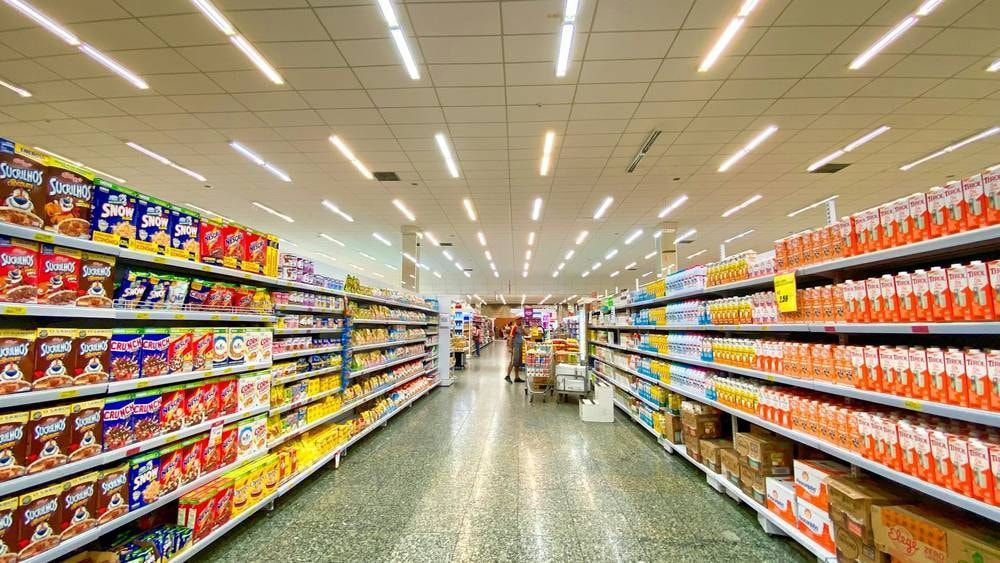
Supermarket aisle with fully stocked shelves

What problem does a store operations dashboard solve?

With many locations, information arrives late and in pieces: a site visit, a phone call, a spreadsheet at the end of the month.

Today With aisabela
Site visits to find out how a location is doing The whole chain on one screen
Every location does things its own way The same standard everywhere, measured
The same problem repeats across locations unnoticed Location comparison to fix it at the source
Waste and alerts tallied by hand at month-end A daily report with waste and resolved alerts

What data does aisabela give operations and leadership?

Five functions that turn what each location’s cameras see into comparable data for the whole chain.

Chain dashboard (Available)

The whole chain on one screen.

Brings the alerts and data from every location, zone and hour into one dashboard: checkout, display case, kitchen, drive-thru, storage or production line. You see the state of the chain without waiting for month-end or making site visits.

Who gets the alert
Leadership and operations.

Example alert: Location 12 · 11 alerts today — Chain dashboard
Fresh fruit and vegetable shelves

Location comparison (Available)

Where the problem keeps coming back.

Compares locations on the same indicators to show where a problem repeats—lines, display case gaps, waste—so you fix it at the source instead of putting out fires store by store.

Who gets the alert
Operations.

Example alert: End-of-day waste above average at 3 locations — Operations dashboard

Tall supermarket shelves

History by location, zone and hour (Available)

What happened, where and when.

Everything is logged by location, zone and hour. You can go back to a specific day, see in which time slot a display case empties or a line builds up, and check whether a change worked.

Who gets the alert
Operations and store managers.

Example alert: 1:15 p.m. · 1 order handed over without payment — Location 12 · Counter and checkout · Reviewed

Warehouse aisle with tall racks

Daily report (Available)

Yesterday’s summary, location by location.

A daily report per location with end-of-day waste and the alerts received and resolved. Store managers start the day knowing what happened yesterday; operations, which locations need attention.

Who gets the alert
Store managers and operations.

Example alert: End-of-day waste: 14 items — Daily report

Pile of discarded product

Queue forecast (Available)

The next 7 days, from the last 4 weeks.

From the line history of the last 4 weeks, aisabela forecasts lines for the next 7 days by location and time slot, so you can adjust shifts and open registers when they will be needed.

Who gets the alert
Operations and store managers.

Example alert: Saturday 1–3 p.m.: line forecast above threshold — Forecast · Location 7

Products on a supermarket checkout belt

Where does the dashboard data come from?

From the same alerts the locations receive: aisabela sees, decides and acts, and every alert is logged.

  1. See

    The cameras in each location, across every connected zone.

  2. Decide

    Every deviation from the standard creates an alert with location, zone and hour.

  3. Act

    The alert is resolved in the store and stays on the dashboard: done or not correct.

Who sees what on the dashboard?

Everyone sees what is theirs to handle, from the store floor to headquarters.

  1. Store manager

    Restocks and serves before anyone notices. Gets only the alerts for their store.

  2. Operations

    Compares locations and finds where a problem keeps coming back, to fix it at the source.

  3. Leadership

    The whole chain on one screen, with data on what happened, where and when.

What kind of company is it for?

Any operation with several locations, departments or lines that wants to measure the same thing in all of them.

How is it used in a real chain?

Empanadas Malvón runs aisabela in more than 100 stores.

  • 100+ stores connected
  • 3+ alerts a day per store, most resolved on the spot

Source: Malvón case study. Results vary by business.

Read the Malvón case study: from a 4-store pilot to over 100 stores.

Video analytics for chains FAQ

Can I see only my stores?

Yes. Everyone sees what is theirs to handle: store managers get only the alerts for their store, operations compares the locations they oversee and leadership sees the whole chain.

What data is stored, and for how long?

What the alert and the dashboard need: what happened, in which location, zone and hour, and the image from that moment. aisabela uses no facial recognition and works with non-biometric data; images are minimized and kept for a limited time.

Does it replace site visits?

It cuts the visits whose only purpose is to find out how a location is doing, because that is already on the dashboard. Visits to train the team or fix what the dashboard flags still make sense, and they arrive better prepared.

Do I need to install anything in each location?

No. The data comes from the cameras you already have, connected remotely with no construction work or new hardware, and the dashboard runs in a web browser.

Who are you?

Try it with your own cameras

Tell us about your business and we will show you, on your own cameras, the issues aisabela would catch in your day-to-day.

Add aisabela’s AI to your projects

Your clients get more out of their cameras and you open a new line of business. For installers, integrators and distributors.

Controller: ISABELA LABS SL (company in formation). Purpose: to handle your demo, contact or partnership request. Legal basis: consent. Recipients: no data is disclosed to third parties unless required by law. Your data is processed by our technology provider Microsoft, with an international transfer to the US covered by the EU-US Data Privacy Framework. More information in the privacy policy. Rights: access, rectification, erasure and others, see the privacy policy.