Restaurant chains
Computer vision for restaurant chains
aisabela connects to the cameras each location already has—counter, display case, kitchen, drive-thru and storage—and alerts the store manager, the bake team or the area manager when something deviates from the standard. Built for restaurant chains, QSR and bakeries. Malvón went from 4 pilot stores to over 100.
Updated:
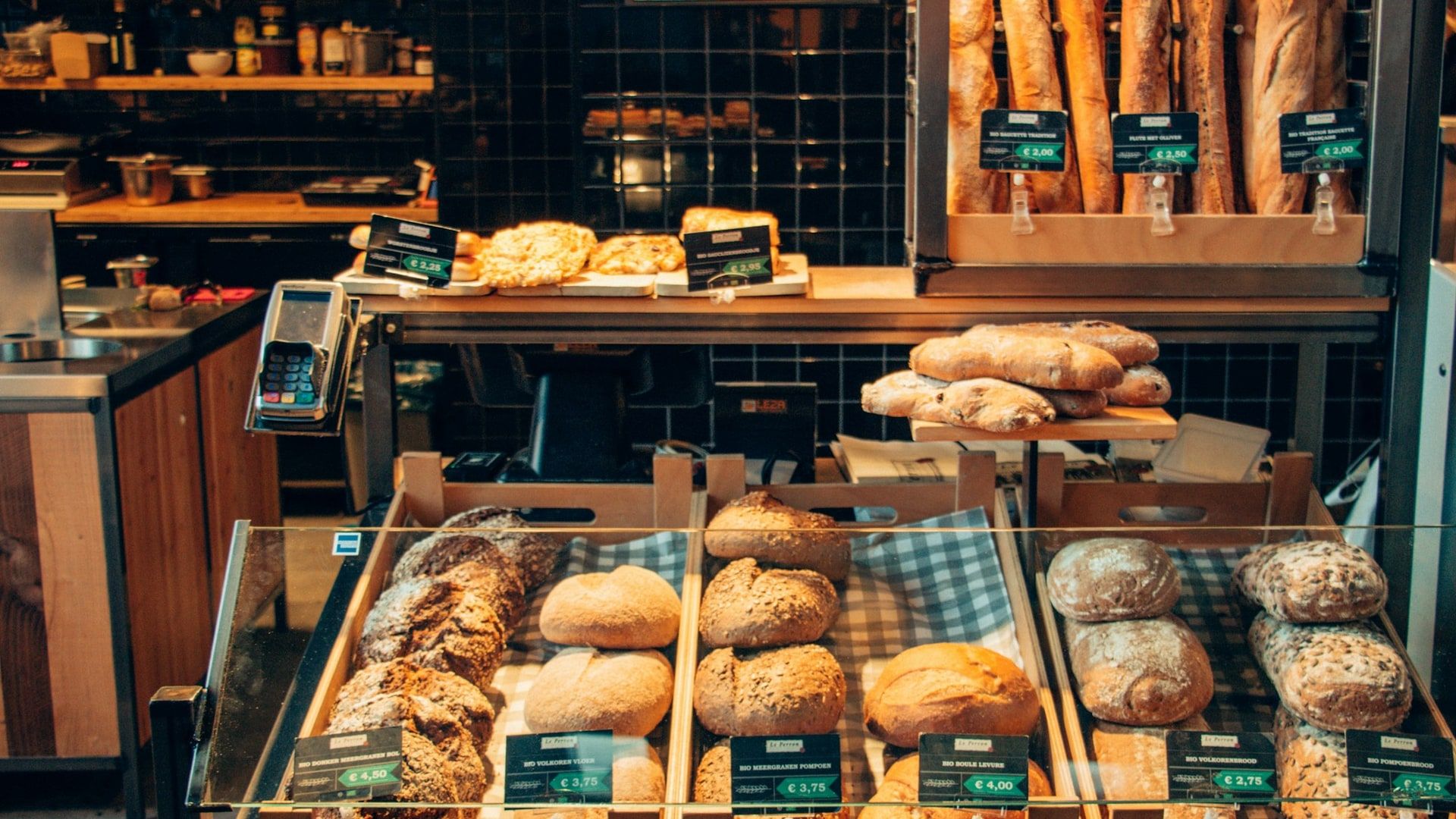
Everyday problems in restaurant chains
From the counter to the kitchen: what happens in every zone, without anyone watching cameras.
-
The display case runs empty at peak hours
Customers can’t find what they came for at lunchtime, and the bake team finds out too late.
-
Cash discrepancies at closing
Orders handed over without payment only show up when the register is counted, when nobody knows what happened.
-
Every location does it its own way
Baking and recipes change from one location to the next and from shift to shift.
-
Lines at the counter and drive-thru
Waits grow and nobody opens another register or backs up the window in time.
-
Waste nobody measures
Leftovers are thrown away at closing without knowing how much or where.
Which aisabela functions do restaurant chains use?
The 8 functions restaurant chains request most, from checkout to storage. Each one links to its full explanation.
-
Internal checkout fraud (Available)
Every order handed over is paid for.
See in Checkout and loss prevention -
Display case stock (Available)
You know what is left on every tray.
See in Product availability -
Product always available (Available)
An alert before it runs out.
See in Product availability -
Raw material inventory (Custom-trained)
Custom-trained: a skill we train for your product and your site.Stock levels without manual counts.
See in Product availability -
End-of-day waste (Custom-trained)
What is left over each day, measured.
See in Product availability -
Delivered matches billed (Available)
Items served against items charged.
See in Checkout and loss prevention -
Expiry dates under control (Custom-trained)
Expired product spotted in storage.
See in Product availability -
Baked just right (Custom-trained)
Color and bake within the standard.
See in Quality and production
A day of alerts in a restaurant location
This is a normal day with aisabela: every alert reaches the person who can fix it, gets resolved and is logged.
| Time | Alert | Sent to | Status |
|---|---|---|---|
| 08:02 | Location 7 opens 12 min late | Alert to the area manager | Resolved |
| 11:48 | Only 4 loaves left on tray 3 | Alert to the bake team | Resolved |
| 13:15 | 1 order handed over without payment | Alert to the store manager · Register 2 | Reviewed |
| 16:40 | Line of more than 6 people | Open a second register | Resolved |
| 21:30 | End-of-day waste: 14 items | Daily report | Logged |
Illustrative example: times, locations and figures do not belong to a real customer.
Which areas of the restaurant does it cover?
The five zones of a location on one platform, with one dashboard for the whole chain.
-
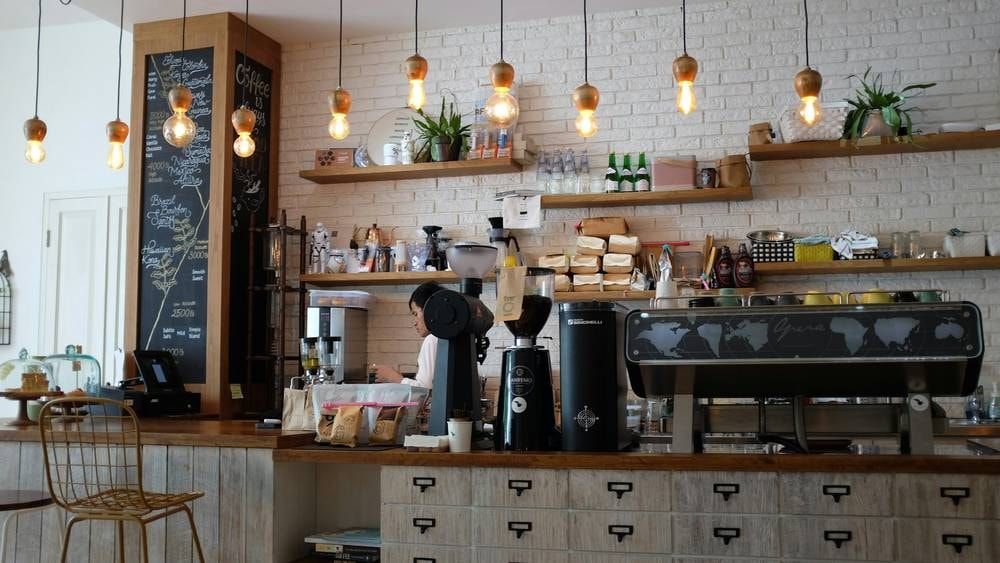
Counter and checkout
Payments, handovers and order accuracy, with your POS events: voids, refunds and no-sale drawer openings.
1 order handed over without payment Alert to the store manager · Register 2
-
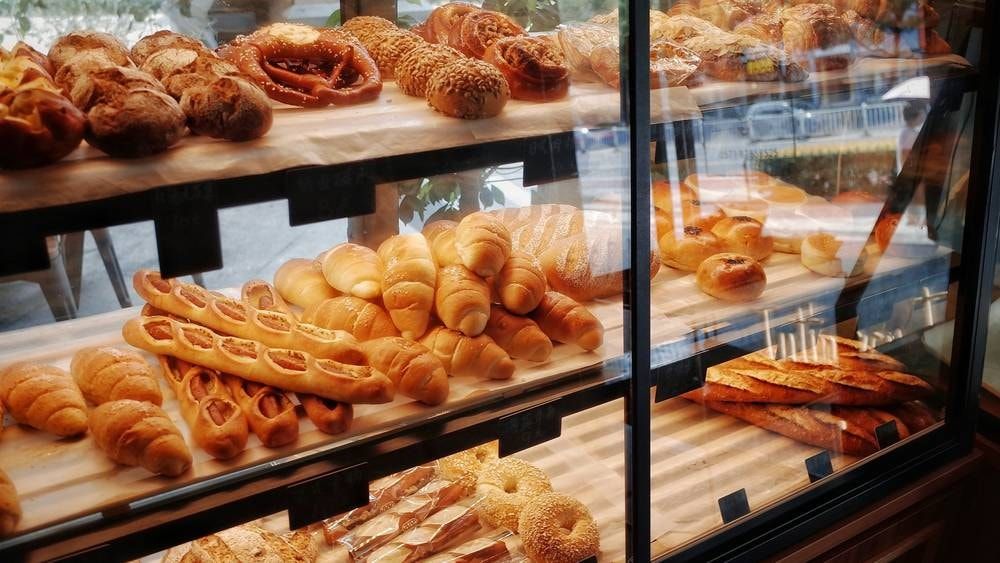
Shelves and display case
Stock on every tray, gaps and expiry dates.
Only 4 loaves left on tray 3 Alert to the bake team · bake 2 trays
-
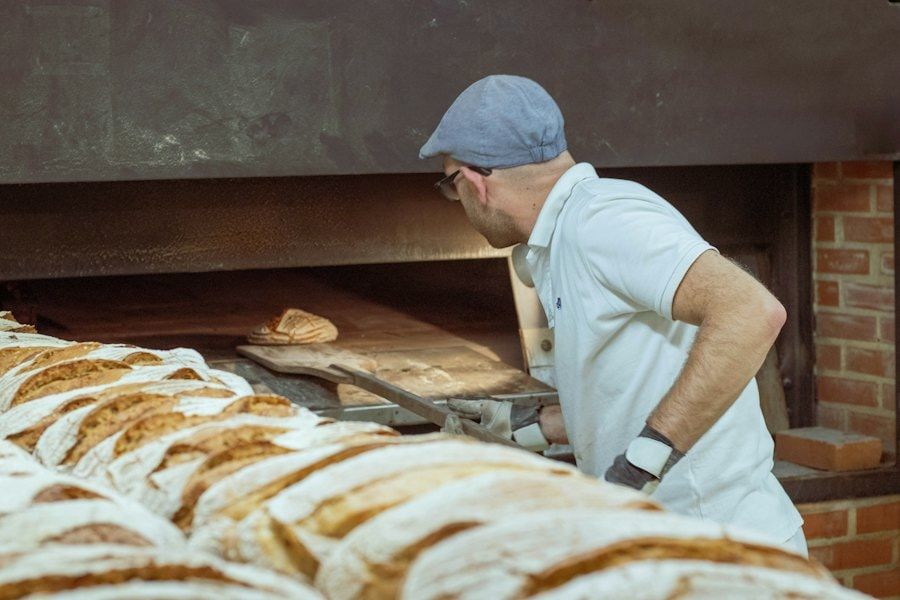
Kitchen and bakery
Baking, recipe, hygiene and waste.
Baking outside the standard Alert to the head baker · batch 14
-
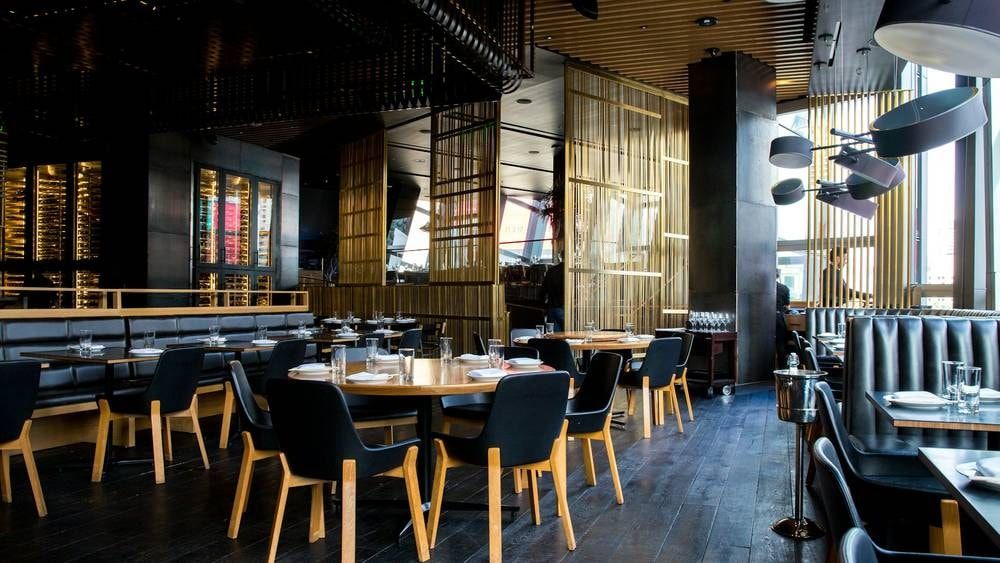
Drive-thru
Service times and lines at the window.
Wait of more than 4 min at the window Alert to the shift manager
-
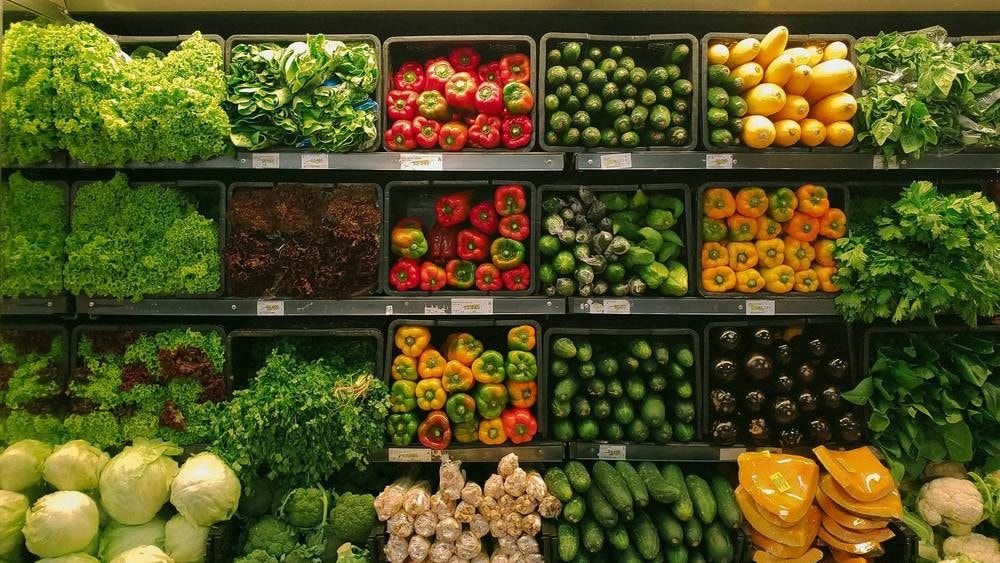
Storage
Raw material inventory and batches about to expire.
Batch expiring tomorrow Rotate before opening the new one
Who gets each alert in a restaurant chain?
Everyone sees what is theirs to handle, from the store floor to headquarters.
-
Store manager
Gets only the alerts for their store—checkout, display case, lines—and restocks and serves before anyone notices.
-
Operations
Compares locations and finds where a problem keeps coming back, like a display case that empties or a slow window, to fix it at the source.
-
Leadership
The whole chain on one screen, with data on what happened, where and when.
aisabela solutions for restaurants
The functions on this page belong to these solutions; each one explains what it detects and who gets the alert. They all run on the same computer vision platform.
-
Product availability
Display case stock, product always available, inventory, expiry dates and waste.
-
Checkout and loss prevention
Internal checkout fraud and delivered matches billed.
-
Quality and production
Baking just right, standard recipe and production to demand.
-
Customer service
Counter lines, drive-thru wait times and opening on time.
-
Operational intelligence
Chain dashboard, location comparison and daily report.
Is there a real restaurant case study?
Yes: Empanadas Malvón, a restaurant chain of Argentine empanadas.
Malvón started with a free aisabela pilot in 4 stores, with no construction work. By day 15 it had 80% more stock in its display cases, and today aisabela runs in more than 100 stores, with more than 3 alerts a day in each, most resolved on the spot.
- 80% more display case stock in 15 days
- 100+ stores connected
- 0 cash discrepancies
Source: Malvón case study. Results vary by business.
AI for restaurants FAQ
Does it work for quick-service restaurants (QSR) and drive-thrus?
Yes. aisabela covers the counter, the register, the kitchen and the drive-thru window: lines, wait times, orders handed over without payment and display case stock, in every location of the chain.
What about bakeries with their own production?
Yes. It tracks the display case tray by tray, alerts the bake team to bake on time, compares the bake with your standard and measures waste at closing. Malvón, an empanada chain, uses it in more than 100 stores.
Do I need new cameras in every location?
No. aisabela connects remotely to the cameras you already have, IP cameras or cameras connected to a recorder (NVR), with no construction work and no store closures.
Does someone have to watch the cameras?
No. Nobody watches cameras: the store manager, the bake team or the area manager get only the alerts that concern them on their phone, with the image and the action.
How do I get started?
With a free pilot in some of your locations, as Malvón did. We review your cameras with you and decide what to detect first, connect aisabela remotely, and you then decide whether to roll it out to the whole chain.
Try it with your own cameras
Tell us about your business and we will show you, on your own cameras, the issues aisabela would catch in your day-to-day.
Add aisabela’s AI to your projects
Your clients get more out of their cameras and you open a new line of business. For installers, integrators and distributors.