Supermarkets
Computer vision for supermarkets
aisabela connects to the cameras each store already has and alerts the stock clerk, the front-end supervisor or the produce team when something deviates from the standard: shelf gaps, labels that don’t match, incorrect weighing or checkout lines. Built for supermarket and grocery chains, with no new hardware.
Updated:
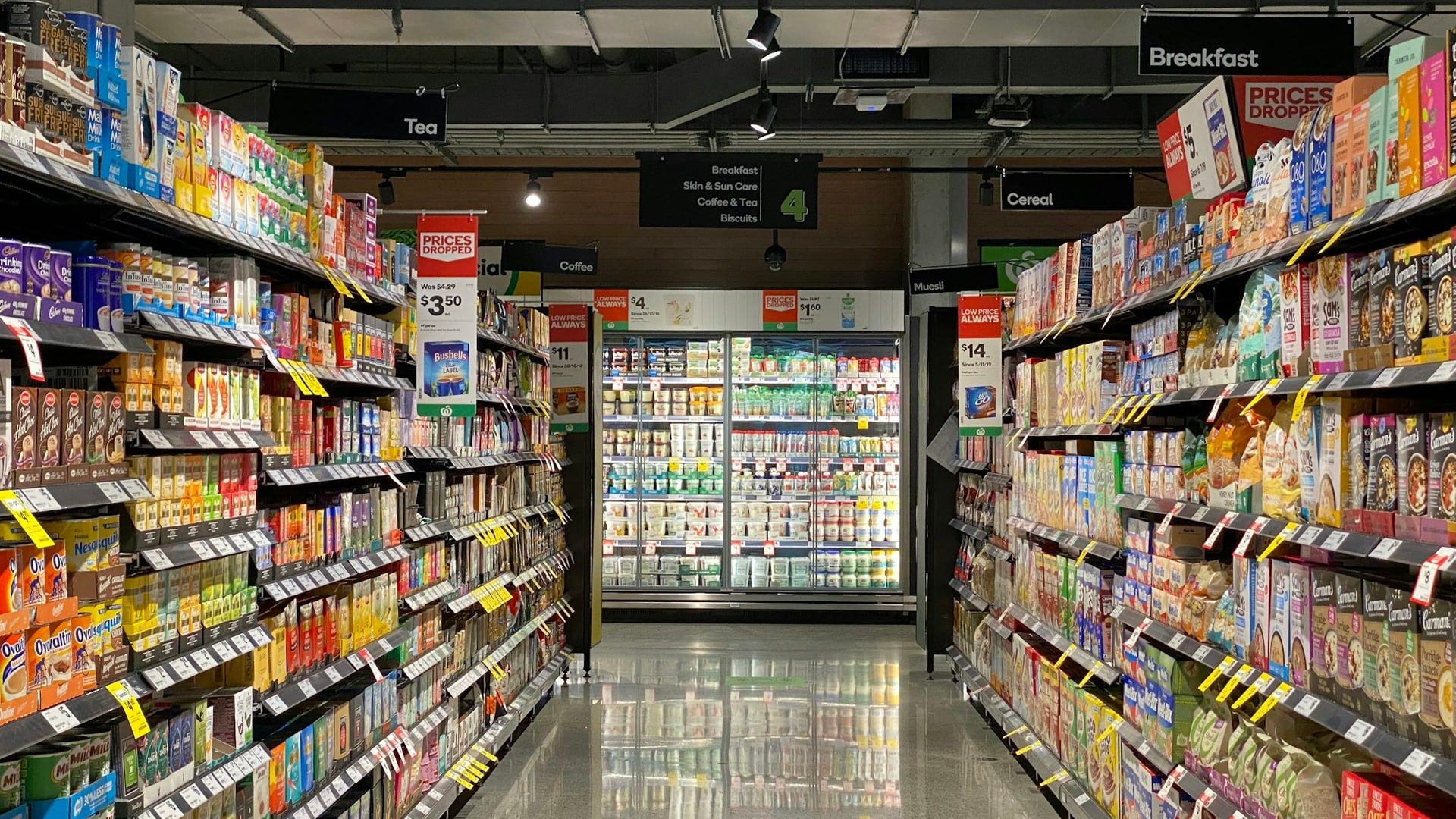
Everyday problems in a supermarket
Checkouts and self-checkout, shelves and fresh produce under control in every aisle.
-
Empty shelves at peak hours
Product runs out in the aisle and the stock clerk finds out when a customer asks.
-
Labels that don’t match
Labels put up by mistake or switched on purpose, only visible later in the margin.
-
Incorrect weighing at self-checkout
Produce and bulk goods weighed as a cheaper product.
-
Fresh produce and expiry dates
Product that loses freshness or expires in the back room before it reaches the shelf.
-
Checkout lines
Waits grow and nobody opens another register in time.
Which aisabela functions do supermarkets use?
The 8 functions supermarkets request most, from the checkout lanes to the back room. Each one links to its full explanation.
-
Internal checkout fraud (Available)
Unpaid orders, flagged on the spot.
See in Checkout and loss prevention -
Label switching (Available)
Products scanned at a different price.
See in Checkout and loss prevention -
Scales used correctly (Available)
Incorrect weighing at self-service scales.
See in Checkout and loss prevention -
Display case stock (Available)
Counters and deli fully stocked.
See in Product availability -
Gap-free shelves (Available)
Out-of-stocks flagged before the sale is lost.
See in Product availability -
Product always available (Available)
An alert before it runs out.
See in Product availability -
Warehouse inventory (Custom-trained)
Custom-trained: a skill we train for your product and your site.Stock levels without manual counts.
See in Product availability -
End-of-day waste (Custom-trained)
What is left over each day, measured.
See in Product availability
A day of alerts in a supermarket
This is a normal day with aisabela: the stock clerk, the front-end supervisor or the produce team get the task on their phone, resolve it and it is logged.
| Time | Alert | Sent to | Status |
|---|---|---|---|
| 09:10 | Dairy out of stock in aisle 4 | Alert to the stock clerk | Resolved |
| 10:22 | Shelf label differs from the register price | Alert to the store · Aisle 6 | Resolved |
| 12:05 | Incorrect weighing at self-checkout | Alert to the front-end supervisor | Reviewed |
| 17:30 | Check freshness: 1 crate of leafy greens | Alert to the produce team | Resolved |
| 19:45 | Checkout wait above 4 min | Open register 5 | Resolved |
Illustrative example: times, locations and figures do not belong to a real customer.
Which areas of the supermarket does it cover?
The areas where a sale or margin gets lost, on one platform with one dashboard.
-
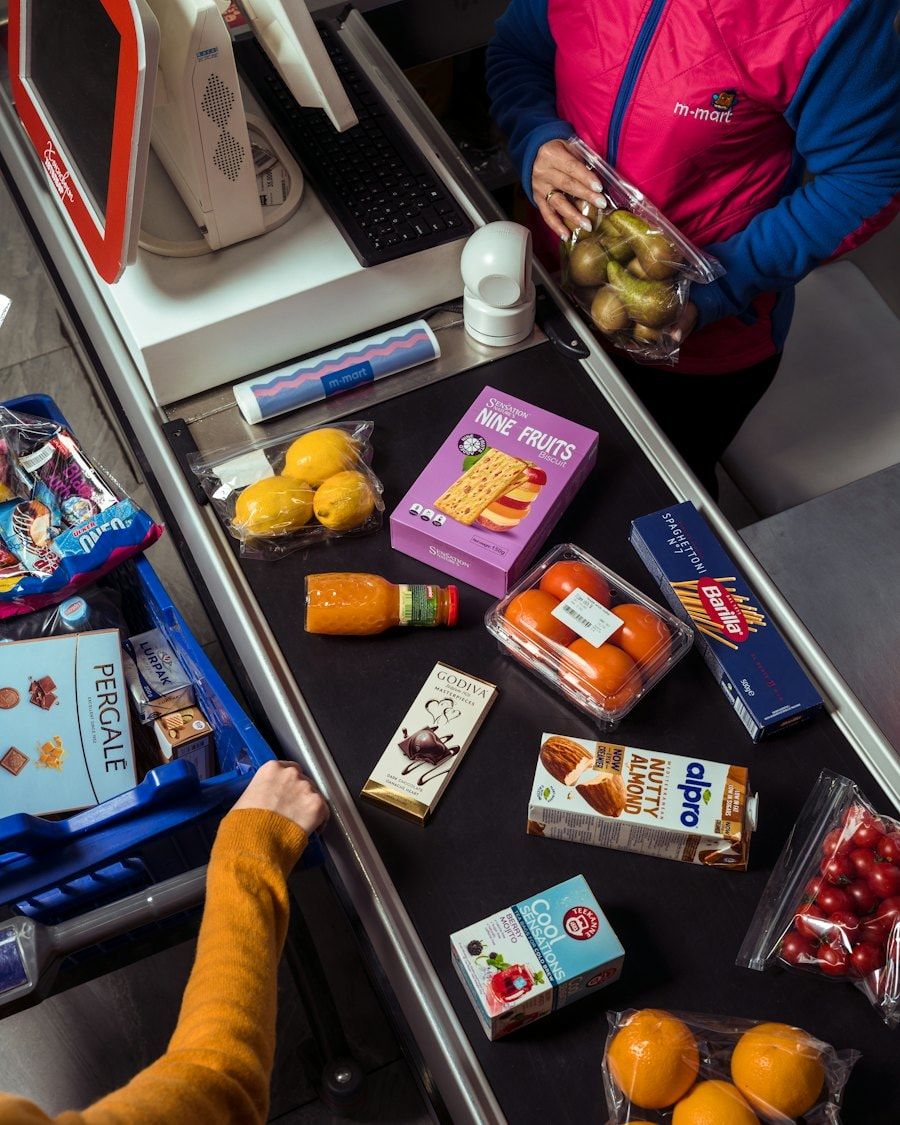
Checkouts and self-checkout
Payments, mismatched labels, scales and lines.
Checkout wait above 4 min Open register 5
-
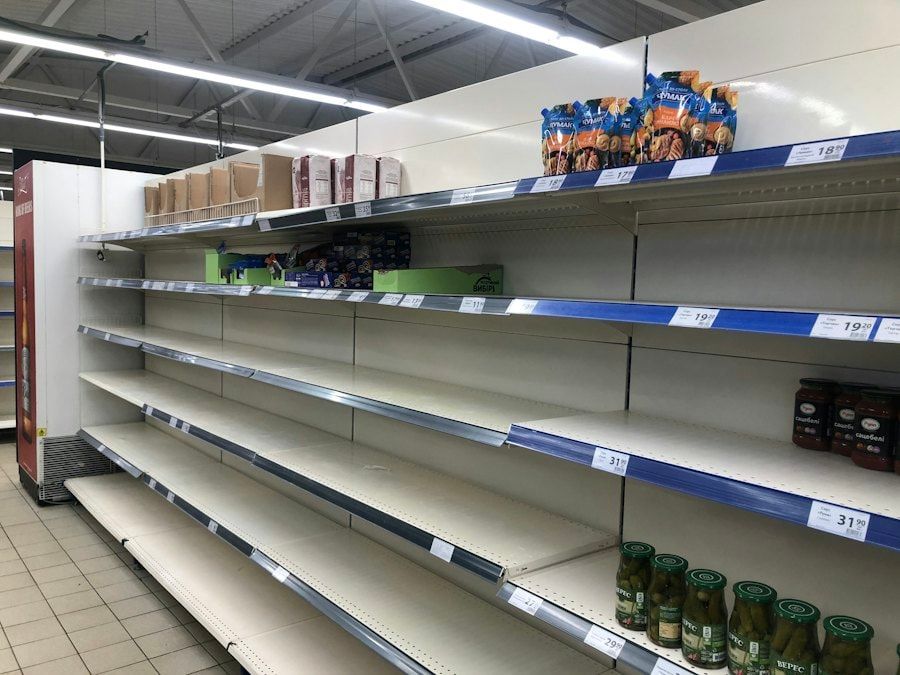
Shelves and aisles
Gaps and out-of-stocks in every aisle.
Dairy out of stock in aisle 4 Alert to the stock clerk
-
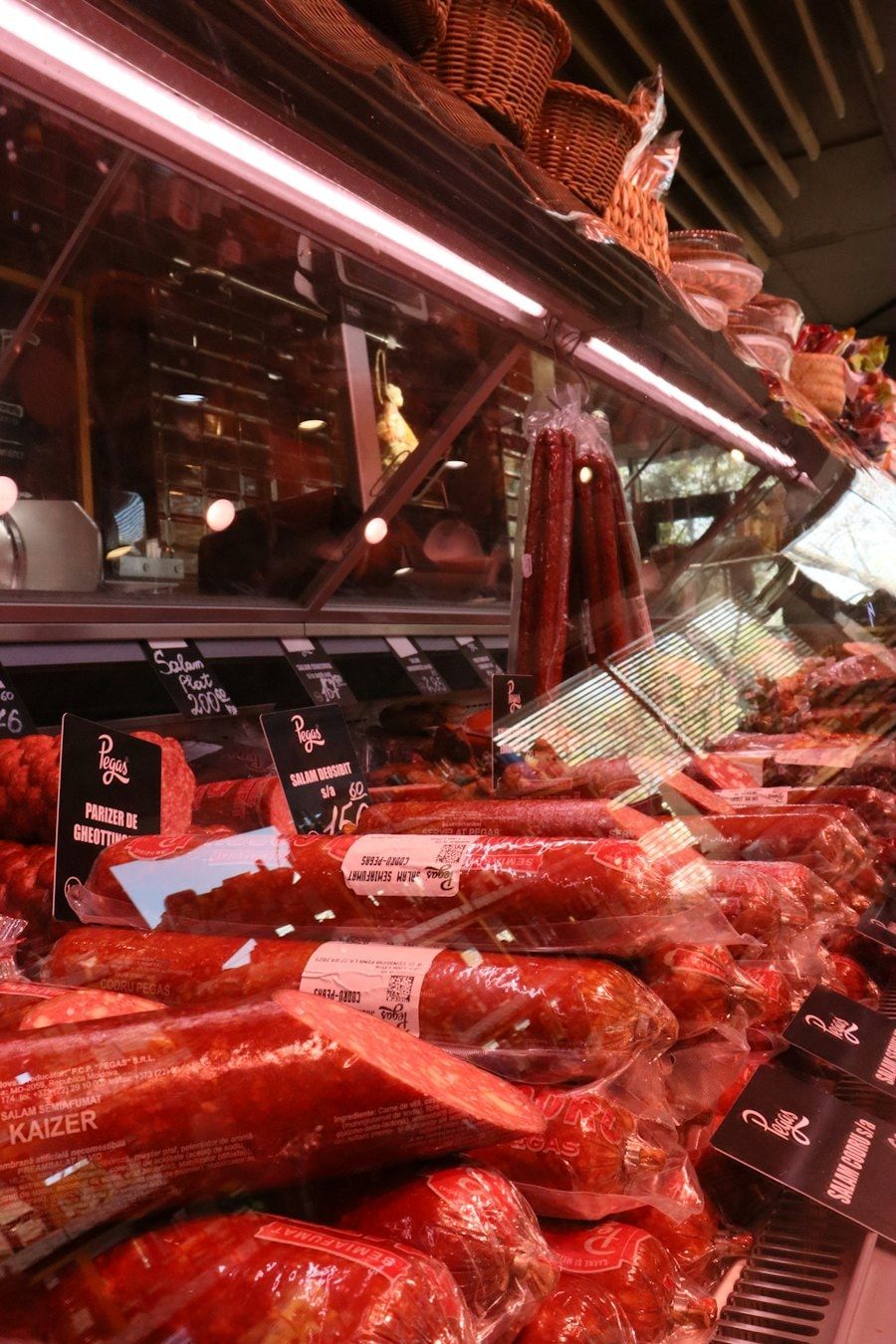
Service counters
Deli, meat and fish counters kept stocked.
Meat counter below plan Alert to the department
-
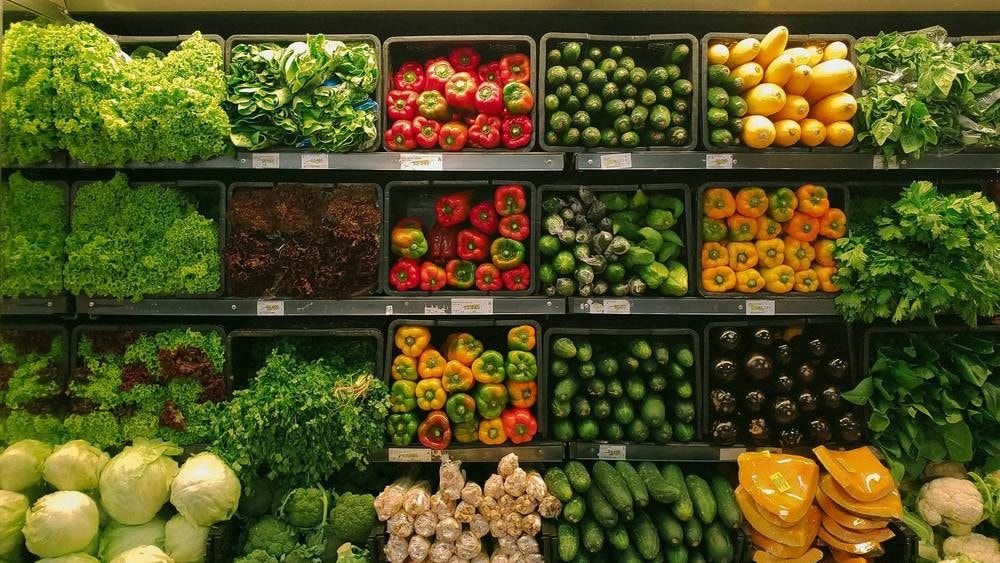
Fresh produce
Freshness and rotation of fruit and vegetables.
Check freshness: 1 crate of leafy greens Alert to the produce team
-
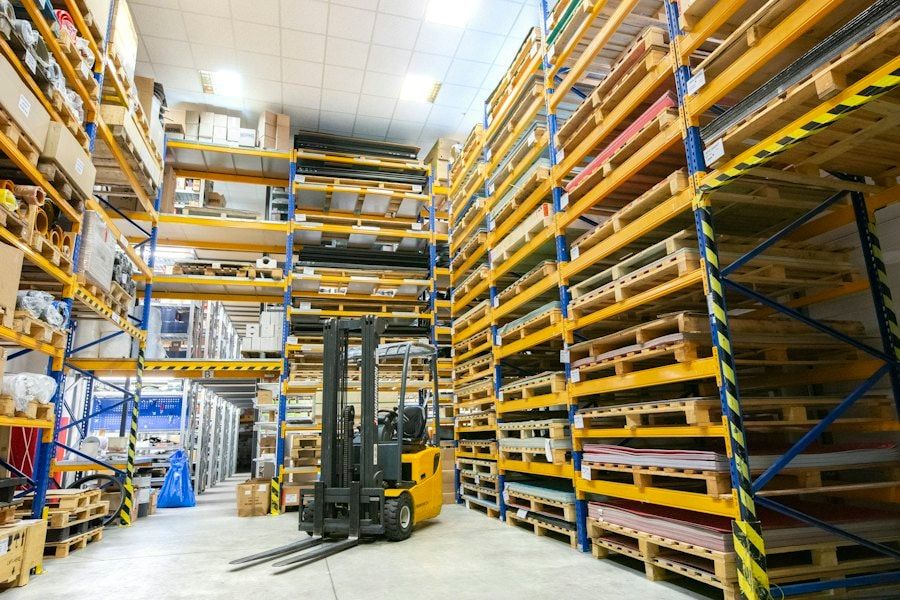
Back room
Warehouse inventory and batches about to expire.
Batch expiring tomorrow Rotate before opening the new one
Who gets each alert in a supermarket?
Everyone sees what is theirs to handle, from the department to headquarters.
-
Store manager
Gets only the alerts for their store and assigns the tasks: restock, open a register, check a label.
-
Operations
Compares stores and departments to see where a problem repeats and fix it at the source.
-
Leadership
The whole chain on one screen, with data on what happened, where and when.
aisabela solutions for supermarkets
The functions on this page belong to these solutions, all running on the same computer vision platform.
-
Checkout and loss prevention
Internal checkout fraud, label switching and correct scale use.
-
Product availability
Counter stock, gap-free shelves, warehouse inventory and waste.
-
Customer service
Checkout lines and occupancy by zone and time slot.
-
Operational intelligence
Chain dashboard, store comparison and daily report.
How does a supermarket get started with aisabela?
With a free pilot in some of your stores, using the cameras you already have.
We haven’t published a supermarket case study yet. The published case is Empanadas Malvón, a restaurant chain that went from a 4-store pilot to more than 100 stores. The path is the same:
-
Day 1 · Tell us about your business
We review your cameras with you and decide what to detect first.
-
Week 1 · Remote connection
We connect aisabela to your CCTV without closing the store or installing anything.
-
After · The whole chain
You decide whether to roll it out to the rest of your stores.
AI for supermarkets FAQ
Does it work in large stores with many aisles?
Yes, as long as there are cameras that see the shelves, the checkouts or the back room. Before the pilot we review your setup and confirm which cameras we can use and which areas they cover.
Does it detect fraud at self-checkout?
It detects incorrect weighing at self-service scales, products scanned at another price and unpaid orders, and combines the image with your POS events: voids, refunds and no-sale drawer openings. Each alert reaches the front-end supervisor with the image, and your team decides what to do.
Does it identify customers?
No. aisabela uses no facial recognition: detection boxes go on products, hands and trays, and the data is 100% non-biometric.
Is any supermarket already using it?
We haven’t published a supermarket case study yet; the published case is Empanadas Malvón, in the restaurant industry. You can start with a free pilot in some of your stores and decide afterward.
Try it with your own cameras
Tell us about your business and we will show you, on your own cameras, the issues aisabela would catch in your day-to-day.
Add aisabela’s AI to your projects
Your clients get more out of their cameras and you open a new line of business. For installers, integrators and distributors.