Checkout and loss prevention

Checkout loss prevention with cameras: alerts while it happens

aisabela uses the cameras over your counter and checkout lanes to catch orders handed over without payment, switched labels and incorrect weighing, and alerts the manager on the spot. Retail loss prevention with computer vision for restaurants and stores, with no facial recognition.

Updated:

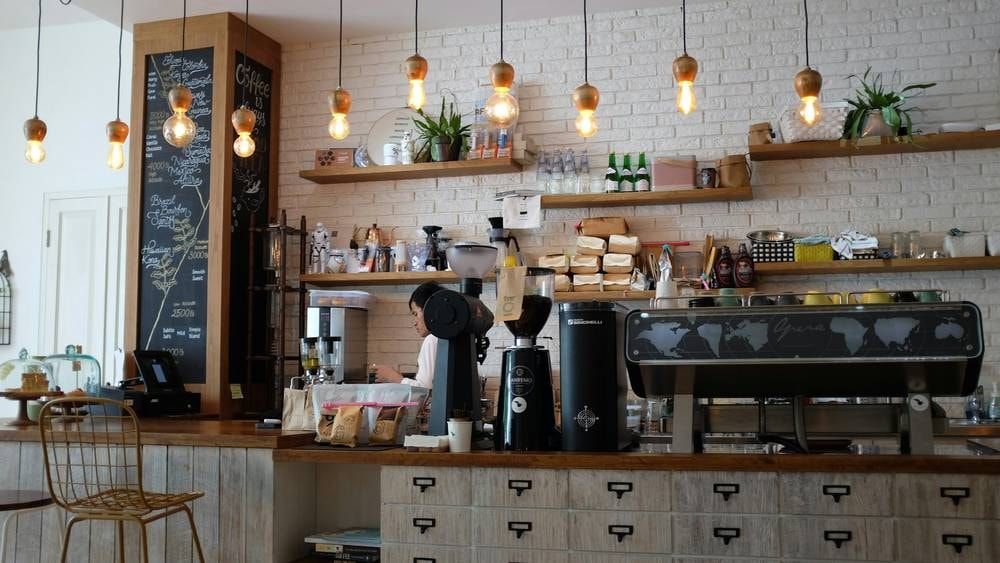
Counter and checkout of a café

What problem does camera-based checkout monitoring solve?

Checkout losses are almost never visible when they happen. They show up at closing, as a cash discrepancy nobody can explain or fix anymore.

Today With aisabela
Cash discrepancies found when closing the register The alert arrives while it happens, with the image and the register
Orders leaving the counter without going through the register Every order handed over, checked against what was charged
Products scanned at another product’s price An alert when the label doesn’t match the product
Incorrect weighing at self-service scales An alert to the front-end supervisor on the spot
Hours of footage to find one incident The incident arrives flagged: what, where and when

What does aisabela detect at checkout?

Four cash register fraud detection functions that work from the image of the cameras over the counter, the checkout lanes and the scales.

Internal checkout fraud (Available)

Every order handed over is paid for.

Spots the order that leaves the counter without going through the register. The camera sees the handover and the payment; if an order is handed over and not charged, aisabela flags it with the image, the register and the time. Internal fraud stops surfacing weeks later as an unexplained discrepancy.

Who gets the alert
The store manager, with the image and the register number.

Example alert: 1 order handed over without payment — Alert to the store manager · Register 2
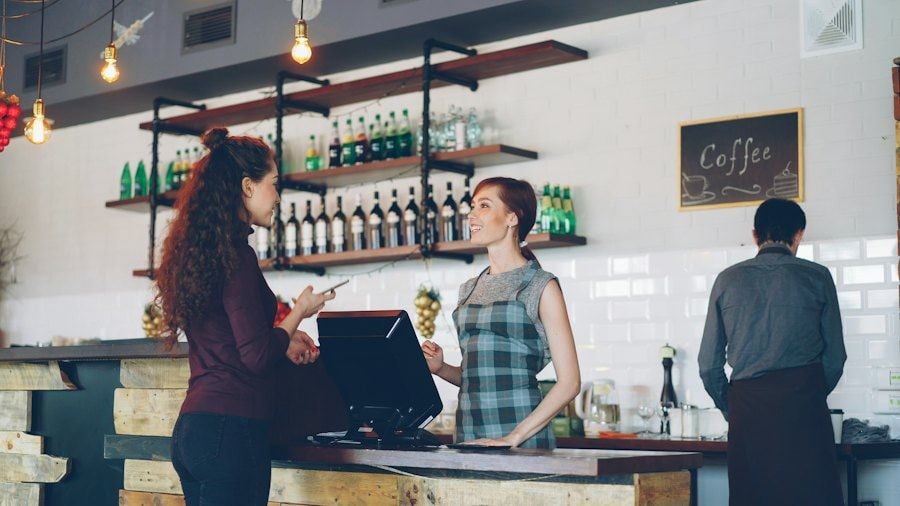
Staff serving at a café counter

Delivered matches billed (Available)

Items served against items charged.

Compares the items served in each order with the items charged. That is how the extra item given away or forgotten on a tray shows up: a small mistake that, repeated every day in every location, eats into the margin of the whole chain.

Who gets the alert
The shift manager.
Requested by
Restaurant chains

Example alert: Order with 1 more item than charged — Alert to the store manager · Register 1

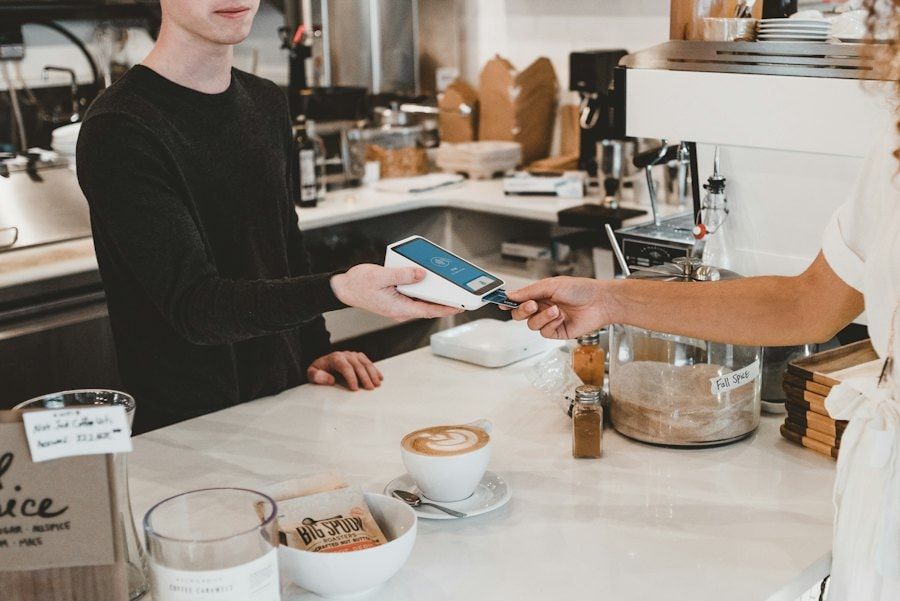
Card payment at the counter

Label switching (Available)

Products scanned at a different price.

Flags the product that goes through checkout with a label or price that isn’t its own, whether it was put up by mistake or switched on purpose. The alert names the aisle or the register so the team can fix the label before it happens again.

Who gets the alert
The store or department manager.
Requested by
Supermarkets

Example alert: Shelf label differs from the register price — Alert to the store · Aisle 6

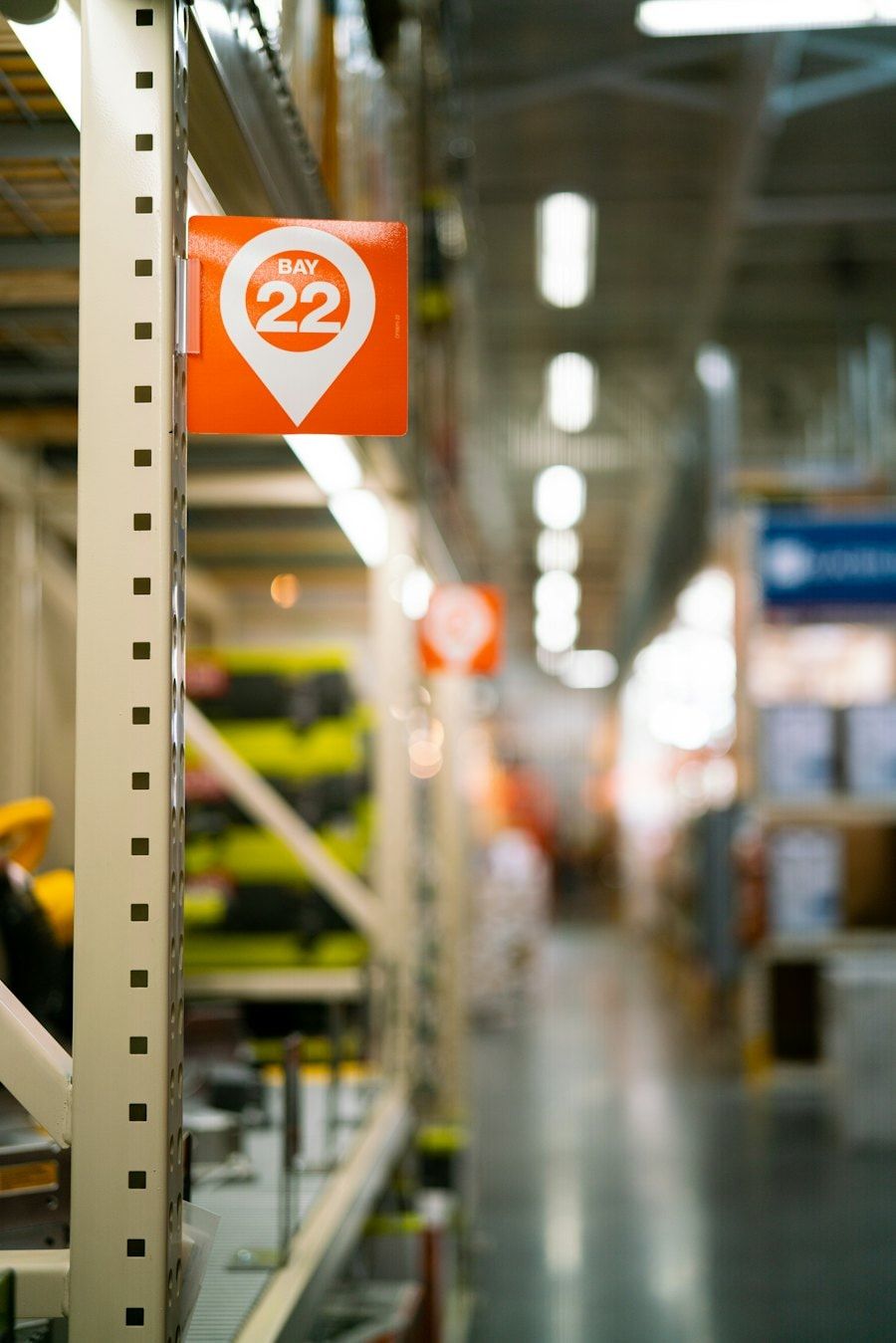
Hypermarket aisle with section signs

Scales used correctly (Available)

Incorrect weighing at self-service scales.

Watches the self-service scales for produce and bulk goods. If the weighing doesn’t match what is in the bag—for example, fruit weighed as a cheaper one—it alerts the front-end supervisor while the customer is still in the store.

Who gets the alert
The front-end supervisor.
Requested by
Supermarkets

Example alert: Incorrect weighing at self-checkout — Alert to the front-end supervisor

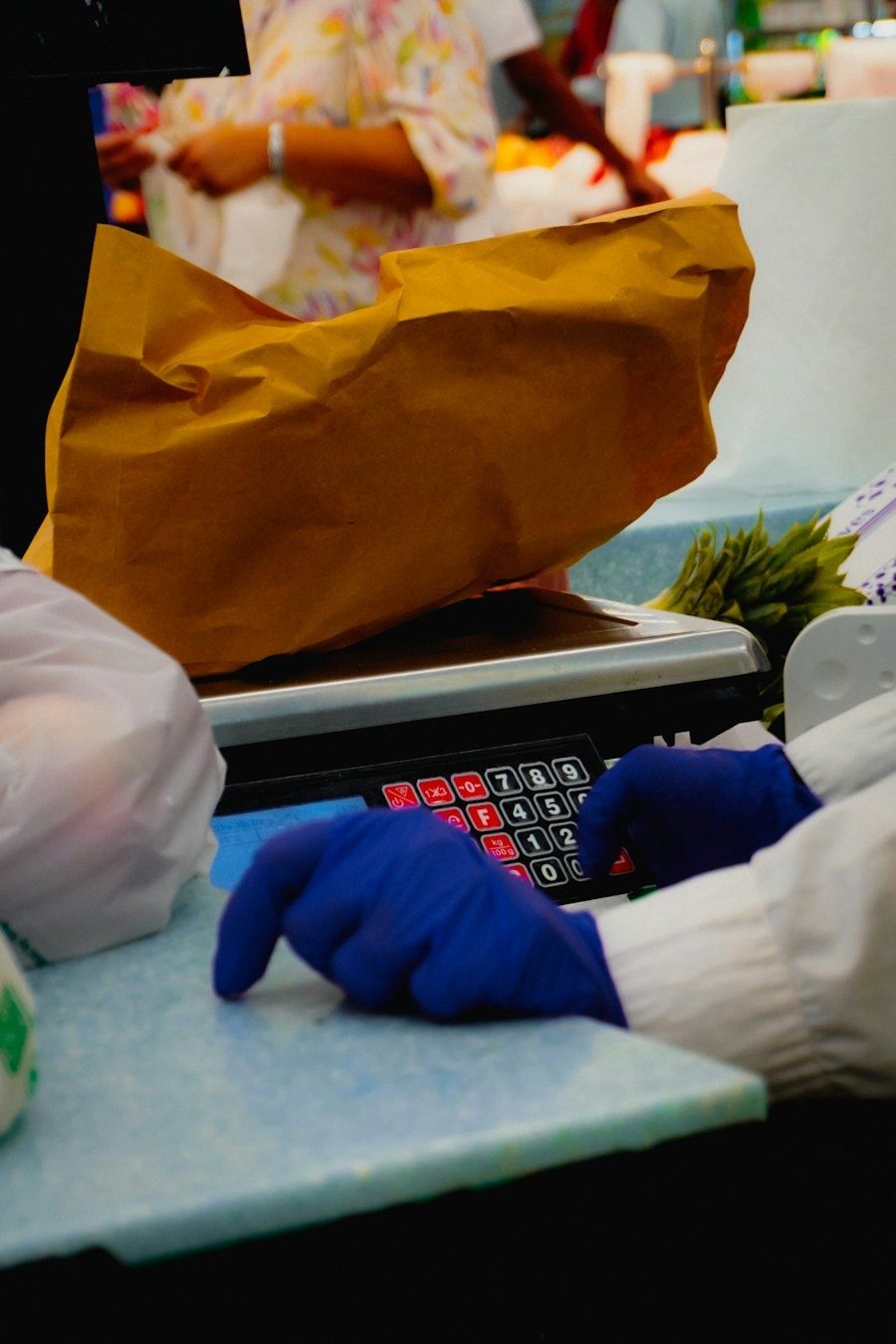
Gloved hands packing product next to the scale

How does computer vision loss prevention work at checkout?

Like the rest of aisabela: it sees, decides and acts, always with a person at the end.

  1. See

    The cameras over the counter and the checkout lanes. Detection boxes go on products, hands and trays, never on faces.

  2. Decide

    Compares what is handed over or weighed with what is charged and spots what doesn’t add up.

  3. Act

    Sends the alert to the manager’s phone with the image and the register. Your team decides; the AI never acts on its own.

What does aisabela look at during checkout, and what not?

aisabela uses no facial recognition. Detection boxes go on products, hands and trays: what it takes to know whether an order was paid for, not who served it. The data is 100% non-biometric.

Each alert describes a fact—an order handed over without payment at register 2 at 1:15 p.m.—and a person on your team reviews it. If the alert is wrong, it is marked that way. Marking “Not correct” helps us tune the model to your standard.

Where is checkout monitoring used?

In any business with a counter or checkout lanes and cameras already installed.

What results has it delivered in a real chain?

Empanadas Malvón runs aisabela in more than 100 stores, including at checkout.

  • 0 cash discrepancies
  • 3+ alerts a day per store, most resolved on the spot

Source: Malvón case study. Results vary by business.

Read the full Empanadas Malvón case study.

Checkout loss prevention FAQ

Does it record or identify employees?

It identifies no one. aisabela uses no facial recognition: it works from the image of the cameras the store already has, detection boxes go on products, hands and trays, and the alert describes what happened at the register, not who did it. The data is 100% non-biometric.

What if an alert is wrong?

The manager marks it “Not correct.” An alert has no consequences on its own: your team decides what to do and the AI never acts on its own. Marking “Not correct” helps us tune the model to your standard.

Does it work with my POS system?

Yes: aisabela connects to your POS to receive those events. aisabela combines the image from your cameras with your POS events —voids, refunds and no-sale drawer openings— to flag what doesn't add up. We confirm which POS models we connect in your case during the pilot.

Is it legal in Spain to use cameras to monitor the checkout?

Spanish law allows cameras at work to monitor activity, under conditions. Article 89 of the LOPDGDD (Spain’s data protection act) requires informing employees and, where applicable, their representatives beforehand, in an express, clear and concise way. The use must be proportionate to its purpose and comply with the GDPR, and the EU AI Act adds transparency obligations. This answer is for information only and is not a substitute for your company’s legal advice.

How quickly does it alert?

The alert arrives while it happens, not when the register is closed: aisabela analyzes the video in real time and sends the task to the manager’s phone with the image and the register. At Malvón, most alerts are resolved on the spot.

Who are you?

Try it with your own cameras

Tell us about your business and we will show you, on your own cameras, the issues aisabela would catch in your day-to-day.

Add aisabela’s AI to your projects

Your clients get more out of their cameras and you open a new line of business. For installers, integrators and distributors.

Controller: ISABELA LABS SL (company in formation). Purpose: to handle your demo, contact or partnership request. Legal basis: consent. Recipients: no data is disclosed to third parties unless required by law. Your data is processed by our technology provider Microsoft, with an international transfer to the US covered by the EU-US Data Privacy Framework. More information in the privacy policy. Rights: access, rectification, erasure and others, see the privacy policy.