Customer service

Queue monitoring with cameras: open a register before anyone notices

aisabela uses your cameras to measure checkout lines, wait times at the drive-thru window and store occupancy, and alerts the shift manager to open another register or add staff. Built for restaurant chains and supermarkets: it counts people and never identifies them.

Updated:

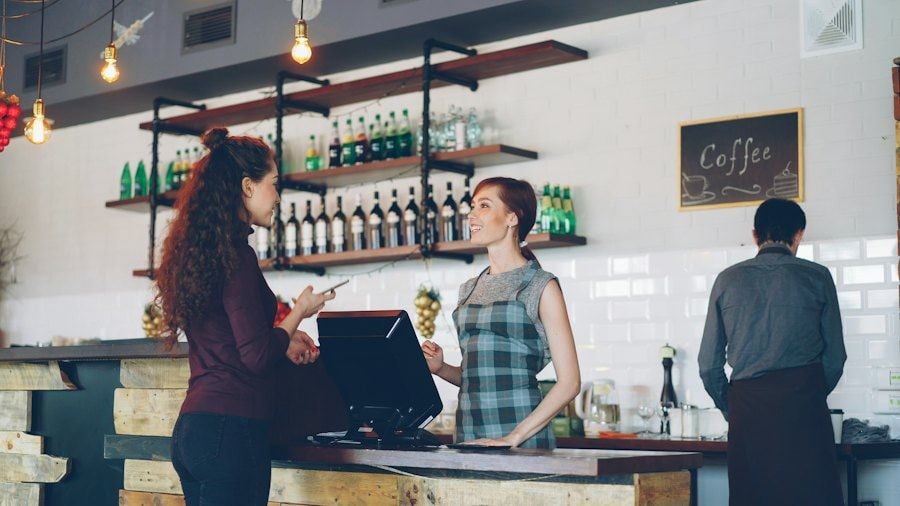
Staff serving at a café counter

What problem does queue monitoring solve?

A long line is easy to see from the door, but not from the office. By the time someone reacts, customers have waited too long or walked out.

Today With aisabela
Lines nobody sees until a customer complains An alert when the line passes your threshold
Long waits at the drive-thru window An alert when the wait goes over the limit
Locations opening late without anyone knowing An alert if a location doesn’t open on time
Rush hours that overwhelm the team Occupancy measured by zone and time slot

What does aisabela measure in customer service?

Five functions to serve customers on time at the counter, the checkout lanes, the dining room and the drive-thru.

Checkout lines (Available)

Open another register before the line grows.

Counts the people waiting at each register and the wait time, and alerts when the threshold you set for that zone and time slot is crossed. In the examples: a line of more than 6 people at a restaurant counter, a wait of more than 4 minutes at a supermarket’s registers.

Who gets the alert
The shift manager or the front-end supervisor.

Example alert: Checkout wait above 4 min — Open register 5
Products on a supermarket checkout belt

Drive-thru wait times (Custom-trained)

Custom-trained: a skill we train for your product and your site.

Every car served on time.

Measures the wait time at the drive-thru window and alerts the shift manager when it goes over the limit you set, so the window gets backup before cars back up into the street.

Who gets the alert
The shift manager.

Example alert: Wait of more than 4 min at the window — Alert to the shift manager

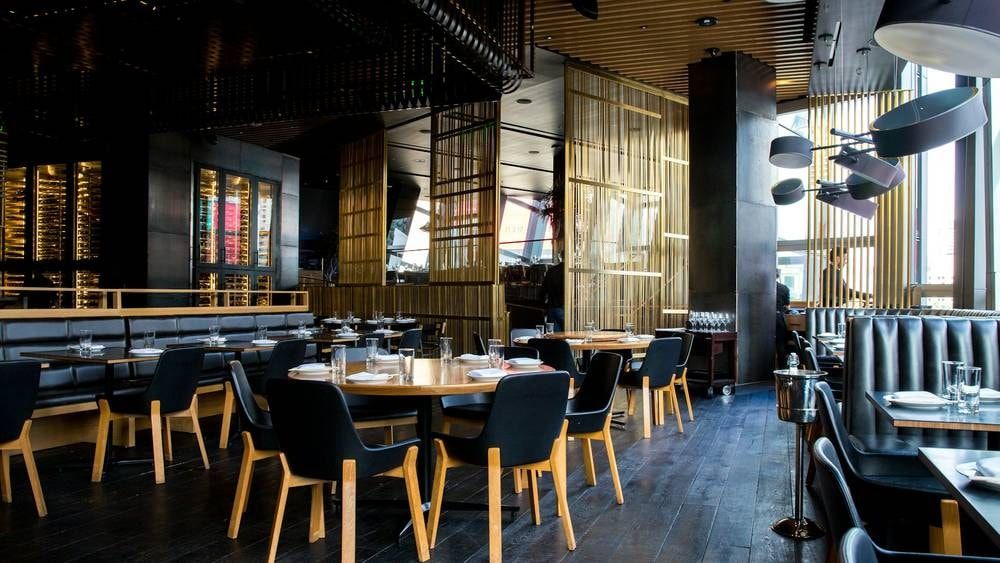
Restaurant dining room with empty tables

Opening on time (Available)

Every location open on time.

Checks that each location opens at the scheduled time and alerts the area manager if it is running late, with the location and the minutes of delay. Across a chain, it is the way to know without calling every store.

Who gets the alert
The area manager.

Example alert: Location 7 opens 12 min late — Alert to the area manager

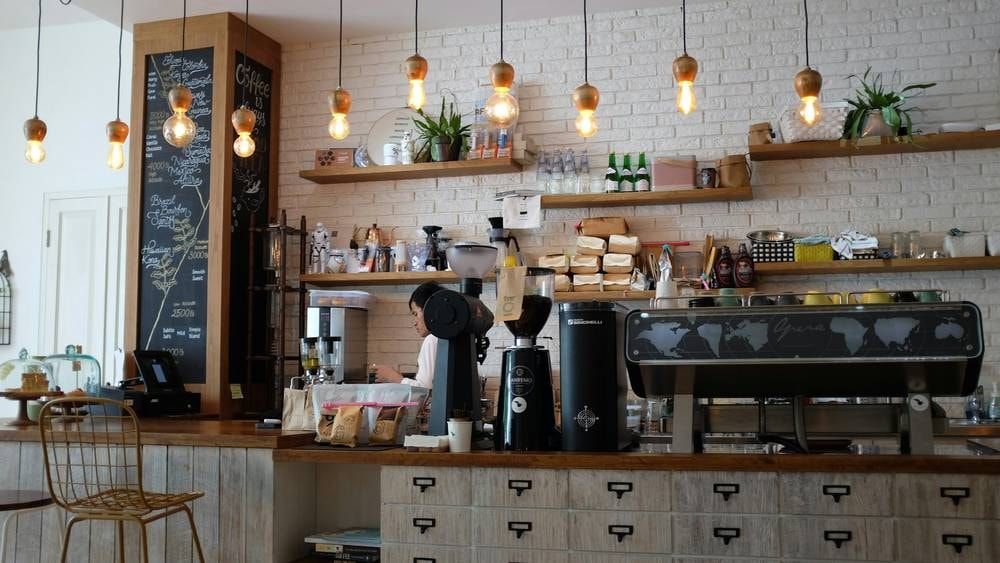
Counter and checkout of a café

Occupancy and crowding (Available)

You know how many people are in each zone.

Counts the people in a zone of the store—dining room, checkout lanes, entrance—and alerts when occupancy goes over the limit you set, so you can open another area or add staff. It counts people; it never identifies them.

Who gets the alert
The shift manager.

Example alert: Dining room above the set occupancy — Alert to the shift manager

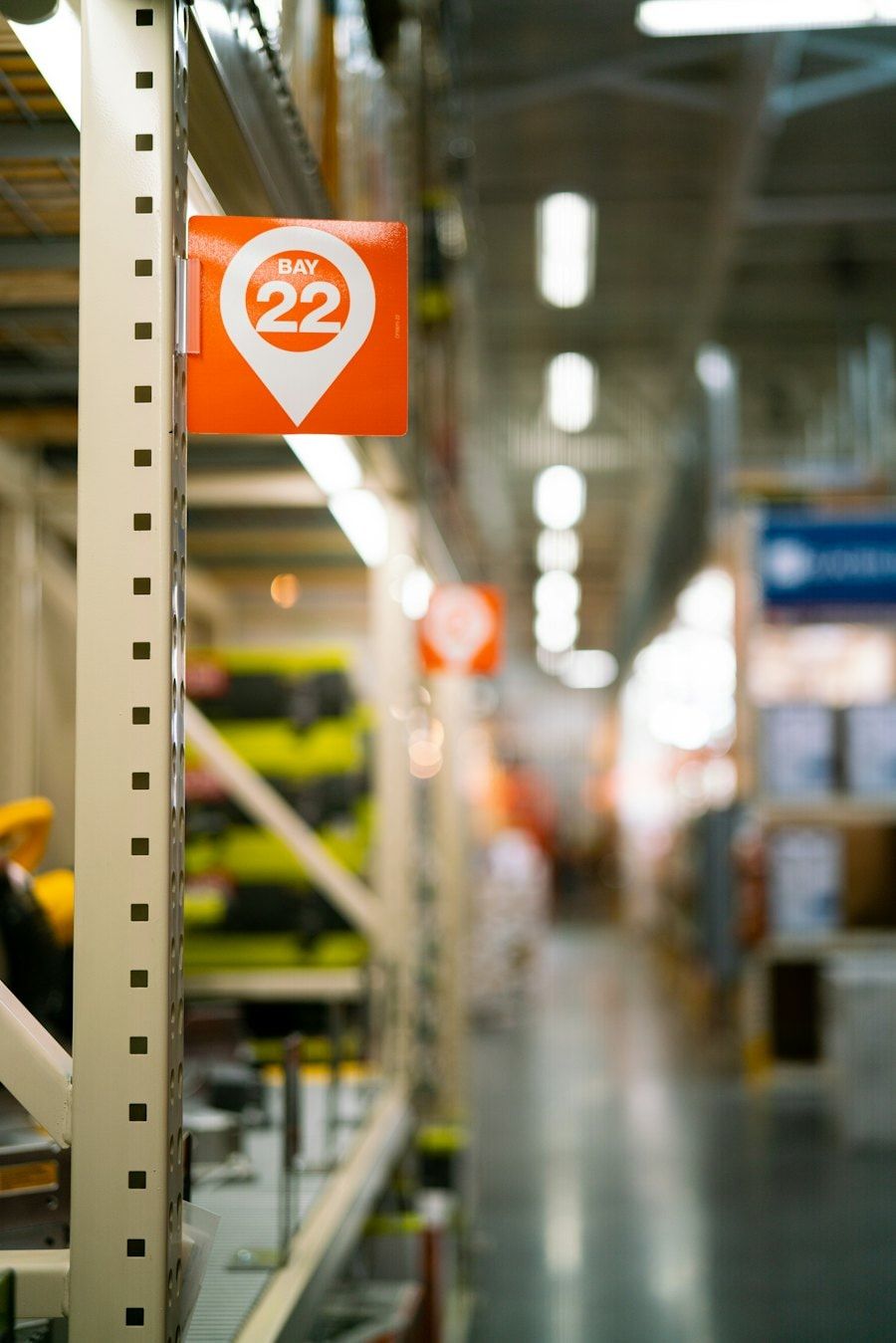
Hypermarket aisle with section signs

Staff at their stations (Available)

Someone serving where it is needed.

Detects whether there is staff in a service area—the counter, an open register, the window—during scheduled hours and alerts if it is left unattended. It measures presence in the area, not who is there or how much each person works.

Who gets the alert
The shift manager.

Example alert: Counter unattended during opening hours — Alert to the shift manager

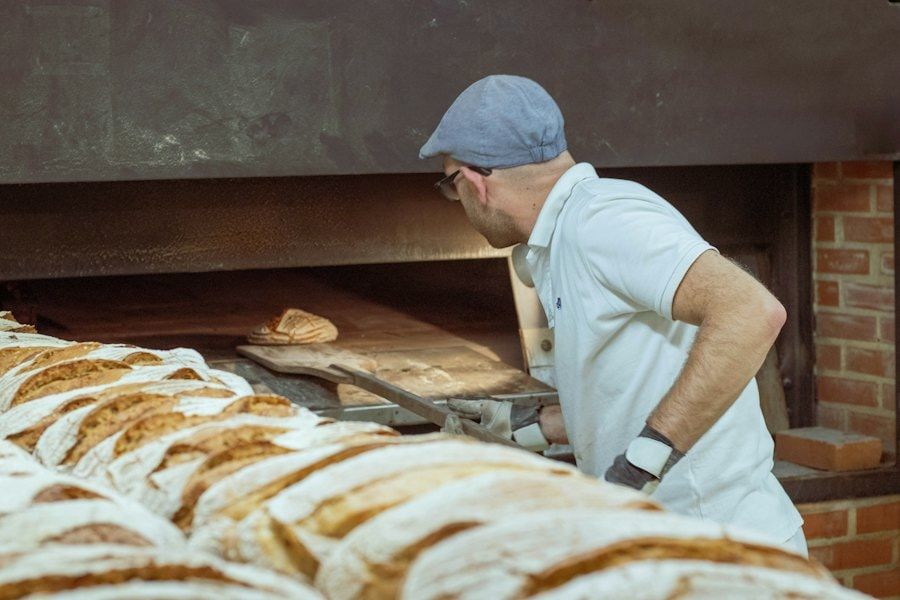
Baker next to the oven with freshly baked loaves

How does aisabela measure lines and wait times?

With the cameras you already have and the usual cycle: see, decide, act.

  1. See

    The cameras over the checkout lanes, the dining room, the entrance or the drive-thru.

  2. Decide

    Counts people and wait times and compares them with the threshold for each zone and time slot.

  3. Act

    Alerts the shift manager with the action: open another register, back up the window.

Can you predict next week’s lines?

Yes. Every line alert is logged by location, zone and hour. With that history, the queue forecast in Operational intelligence predicts the lines for the next 7 days from the last 4 weeks, so you can plan shifts and open registers when they will be needed.

Queue monitoring FAQ

Does it count people or identify them?

It counts them and never identifies them. aisabela uses no facial recognition: it knows how many people are in a line or a zone and how long they wait, not who they are. The data is 100% non-biometric.

What line length triggers an alert?

Whatever you set, by zone and time slot: for example, more than 6 people at the counter or a wait of more than 4 minutes at the registers. The threshold at lunch rush doesn’t have to be the same as mid-afternoon.

Does it work for table-service restaurants?

It works wherever people wait: the counter, the register, the entrance or the drive-thru. In the dining room it can measure occupancy, but aisabela doesn’t manage reservations or table service.

Can I see it by time slot?

Yes. Every alert is logged by location, zone and hour, so the chain dashboard shows in which time slots lines form and in which locations they repeat. With that history, the queue forecast predicts the next 7 days.

Who are you?

Try it with your own cameras

Tell us about your business and we will show you, on your own cameras, the issues aisabela would catch in your day-to-day.

Add aisabela’s AI to your projects

Your clients get more out of their cameras and you open a new line of business. For installers, integrators and distributors.

Controller: ISABELA LABS SL (company in formation). Purpose: to handle your demo, contact or partnership request. Legal basis: consent. Recipients: no data is disclosed to third parties unless required by law. Your data is processed by our technology provider Microsoft, with an international transfer to the US covered by the EU-US Data Privacy Framework. More information in the privacy policy. Rights: access, rectification, erasure and others, see the privacy policy.